 Galactic Racer Wiki
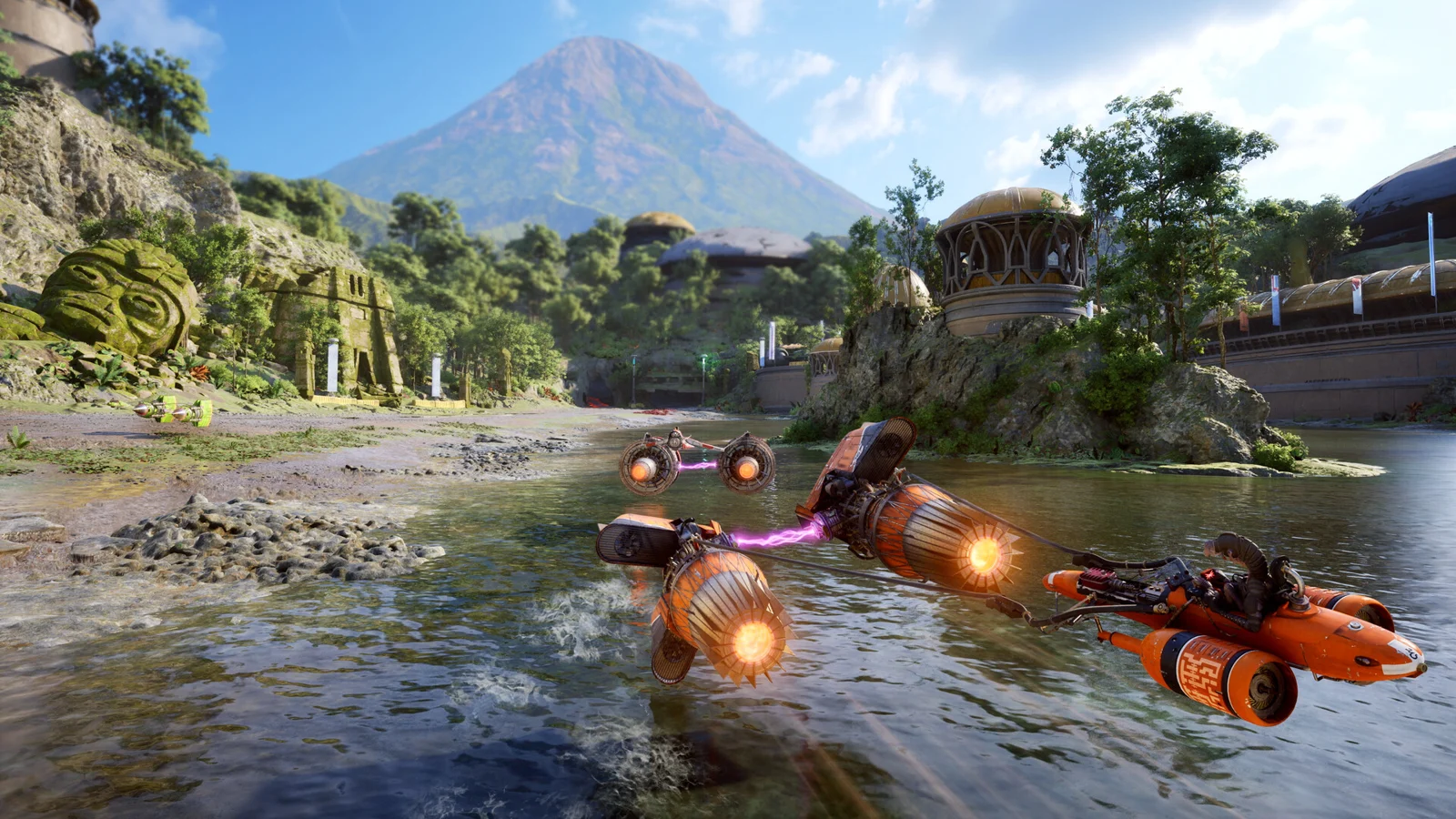
After a failed tour
Scroll sideways to compare every column.
| Progress | What happens |
|---|---|
| Event route | Fresh choices in your next tour |
| Tour after too many crashes | The attempt ends |
| Perks and unlocks | Certain ones carry over |
Some progression survives a failed tour. Do not plan around keeping every part or upgrade permanently.
Which upgrades survive a Tour?
Scroll sideways to compare every column.
| Progress system | When you use it | After the Tour ends |
|---|---|---|
| Tuning Points | Raise a vehicle’s permanent base stats between attempts. | Invested stat levels remain. Vehicle levels cap at 15. |
| Tour upgrade picks | Shape the current build as you race; options vary by event. | The run build resets, so choose again on the next attempt. |
| Parts and abilities | Add effects or tools to the current vehicle setup. | Your fitted Tour loadout does not carry into the next attempt. |
| Credits | Buy available parts, upgrades or abilities at Hibi’s workshop. | Do not treat unspent Tour Credits as permanent Tuning Points. |
Separate the permanent starting build from the vehicle you assemble during one Tour. The similar names can make a lost part feel like lost progress, even though the two systems reset differently.
A failed Tour still builds permanent progress through Tuning Points, while its fitted Parts and run-specific upgrade choices are temporary. Scenarios are a separate place to practice between Campaign attempts; use the game modes guide to choose a shorter session.
Pick the vehicle you want to prepare
After a Tour ends, open the vehicle upgrade prompt and review its current Tuning Point cost before confirming.
Build its permanent baseline
Choose base stats that address your recurring problem, such as cornering or resilience. Focus on a vehicle you expect to use; permanent stats have a Level 15 cap.
Use each Tour to adapt
Parts and event upgrade choices belong to that run. Compare the offered effects with the next event instead of expecting the same loadout on every attempt.
Reassign points if your choice changes
Players report that resetting one vehicle costs 2 Tuning Points and returns its invested points for reassignment. Check the prompt shown for your vehicle before confirming.
Shade, Hibi and the league
Darius Pax founded the unsanctioned Galactic League in the Outer Rim after the Empire's fall. He recruits Shade to challenge Kestar Bool, the dominant racer threatening his control. Shade has a personal grievance against the Bool family.
Hibi is Shade's mechanic and ally. Other pilots can challenge or support him, including Sebulba after Shade earns his respect.
Derven Acos
The purpose-built arena combines planetary conditions from across the tour into one racing gauntlet. Prepare your vehicle for varied conditions. If you want to drive a podracer before working through the campaign, use Arcade.
Progress goals for your next runs
Scroll sideways to compare every column.
| Unlock | What to do |
|---|---|
| Tenacious Racer Style | Participate in 4 Tour events. |
| Redliner Racer Style | Use Ramjet for a total of 375 seconds. |
| Brawler Racer Style | Achieve 20 takedowns. |
| Feet First Favor | Complete your first Tales of Podracing event. |
| Old Greats Favor | Complete all 12 Tales of Podracing events. |
| Champion difficulty | Complete the Campaign once. |
Use these goals to plan another run while keeping your existing save. For immediate podracing, choose Arcade; Tales of Podracing is a separate campaign progression path.
Choose Backers and Rivals after qualifying
In a recent Fuse Games developer video, the team explains that qualifying for the Galactic League unlocks Backer choices and the option to start a serious rivalry with another pilot. Backers provide the League Token needed to enter a Tour, and contracts are required to keep their support. The video names Vranki, Sidon Ithano and Q-33N as Backer choices; it does not give a complete contract list or guaranteed reward values.
Treat this as a run-planning decision: check the contract objectives against the events on your route before committing, then use the campaign progression guide to separate Tour resources from upgrades that persist between attempts. The video describes the system; exact contract outcomes remain dependent on the game.
Qualify for the Galactic League
The Backer and Rival choice appears after this campaign milestone.
Compare a Backer contract with your route
A Backer supplies the League Token needed to enter a Tour; review the required contract before you choose.
Decide whether to start a rivalry
The developer describes Rivals as an option for a serious rivalry with another pilot. Choose it as part of the run setup, not as a permanent vehicle upgrade.
Recheck the contract in-game
The video does not enumerate every objective or reward. Follow the current contract screen for exact requirements.
After the latest update
The official quality-of-life update warns that some Campaign vehicle customizations may reset after installing it. Before closing the game, open the paddock and check your saved craft setup; reapply parts or cosmetics if needed. The notice describes a possible reset, not a confirmed loss for every save. Keep your existing save data if anything looks missing and contact support before replacing it.
Pause, save and resume a Tour
Pause and save the campaign to pick up later. A race cannot be restarted to erase its result. Follow the game’s save or quit confirmation and let saving finish before closing.
A failed Tour and a corrupted save are different problems. A failed attempt is part of the campaign loop; if Campaign or Log Book progress vanishes after a crash, use the crash recovery guide before resetting or replacing save data.
Back up your save before trying a fresh campaign. If you choose to remove save data, use instructions for your platform and game version.