 Galactic Racer Wiki
Vehicle comparison & PC check
Compare vehicle handling, plan a Campaign build or check your setup against the published PC minimum.
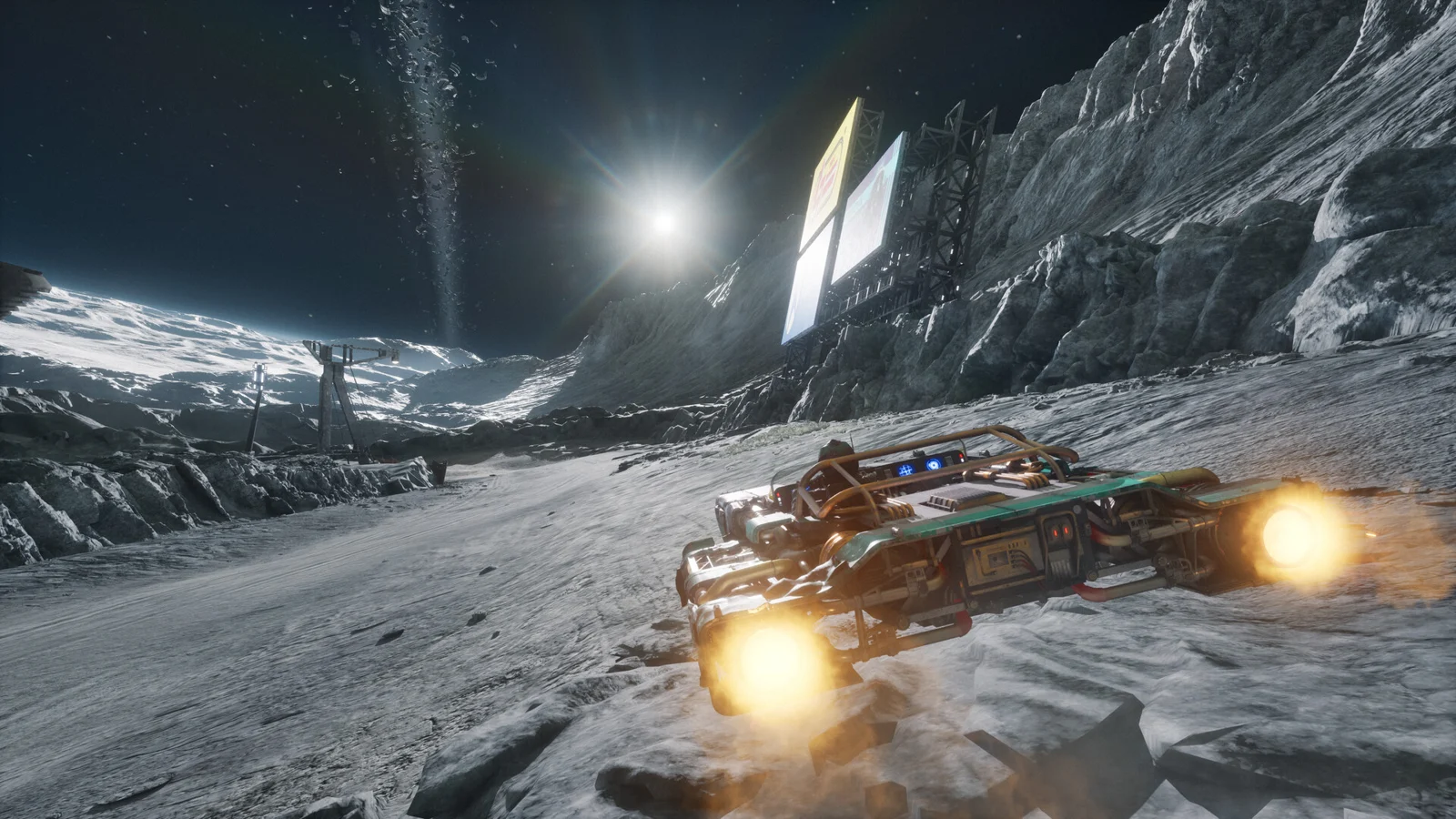
Plan your next Campaign build
Pick the problem that is costing you a run. Get one adjustment and a repeatable test, using the craft and Parts actually offered in game.
A direction to test · Landspeeder
Protect the run before adding more speed
A more resilient baseline while you learn a route.
- First adjustment: Start with the selected craft’s handling and inspect one protection or recovery effect in the Parts offered for this Tour. Keep an effect only if its trigger fits how you actually race.
- Check the result: On the next familiar event, compare your crash count and finish position before changing another part.
- Watch for: Do not stack collision bonuses while you are still losing control in corners.
This is a qualitative test plan, not a measured fastest build. Parts and upgrades vary by run; compare their current descriptions before confirming.
Read the Campaign carryover guide, vehicle handling comparison, or Arcade practice route.
Built from the developer Game Tactics feature and recent player discussions: build synergy and speed, hazards and build choices. Player reports are not official compatibility or balance guidance.
Compare vehicle classes
Choose two classes to compare their handling and workshop options.
| Attribute | 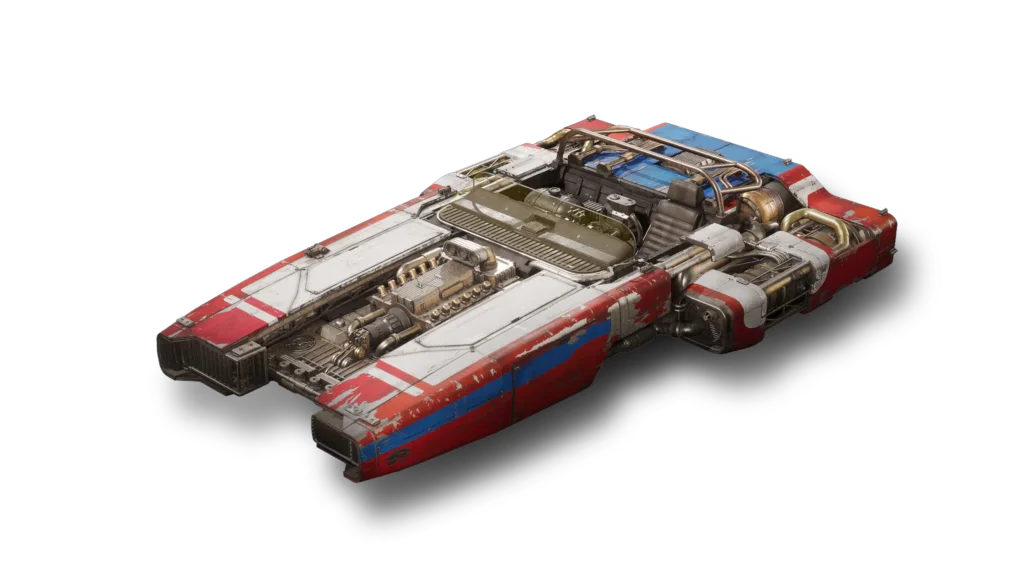 Landspeeder | 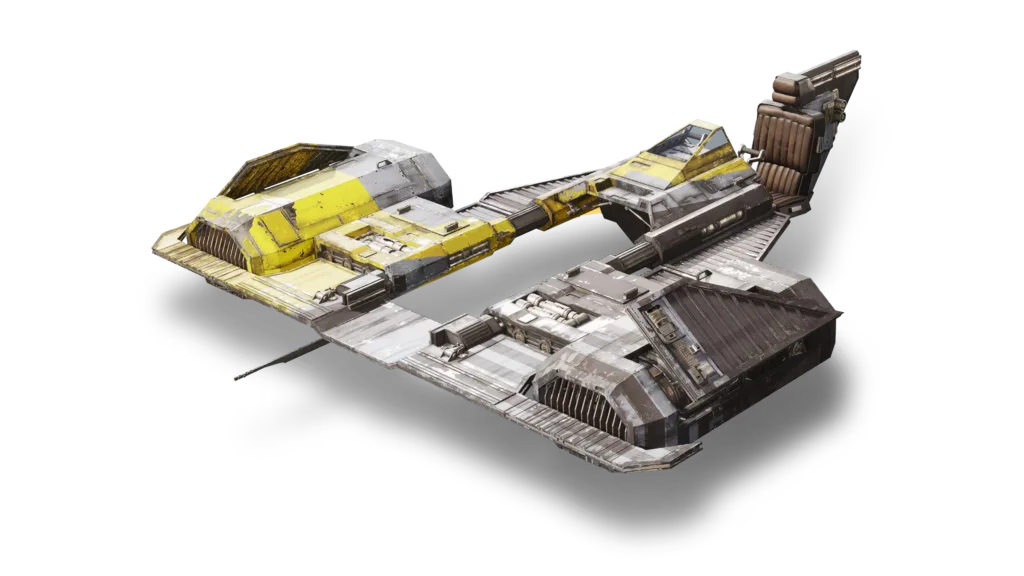 Skim Speeder |
|---|---|---|
| Handling | Stable, weighty and tougher in a collision. | Builds and preserves momentum; Knife Edge helps it corner. |
| Speed | Balanced speed with more durability. | The fastest speeder when its momentum is maintained. |
| Best fit | Contact-heavy racing and a steady starting point. | Long flowing lines and sustained speed. |
| Workshop | Customizable | Customizable |
Check the PC minimum
Check RAM, storage and Windows against the minimum. Compare the listed processor and graphics card with your own.
Choose all six details to check
The baseline needs 12 GB RAM, 50 GB space and an SSD. You can still read the full system requirements without filling this form.
Keep racing
Adjust boost and Ramjet controls for a more comfortable input setup.
Still having trouble after checking your hardware? Choose your crash or startup symptom.